
Components
Everything a reply can contain, one page each — a preview, the Markdown that makes it, and how to style or replace it.
Each page shows the component as the package draws it by default, the Markdown behind the picture, its syntax, how to style it, and an API reference generated from the source — the style object’s fields, the builder’s exact signature and the callbacks.
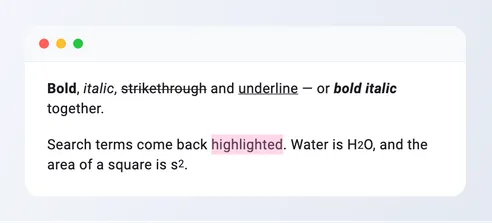 Text formattingBold, italic, strikethrough, highlight, sub- and superscript
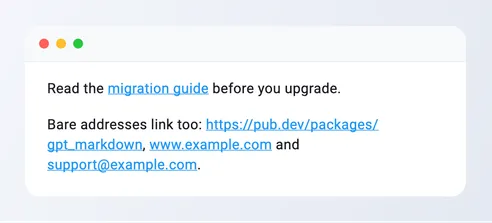 LinkMarkdown links, references and autolinks
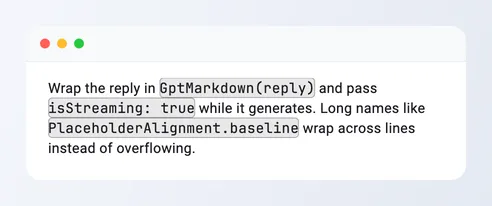 Inline codeCode inside a sentence
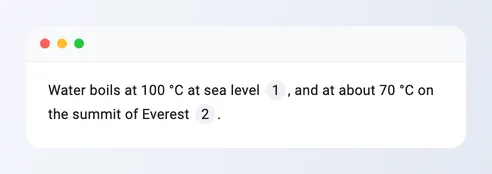 CitationNumbered source chips
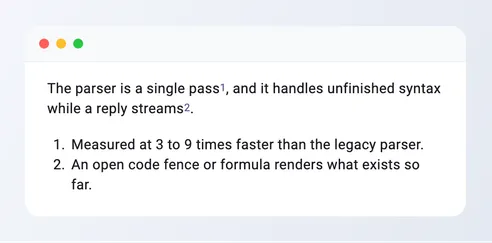 FootnotesNumbered notes, listed where they are defined
Blocks
Section titled “Blocks”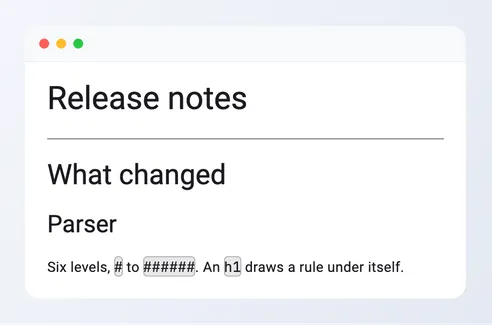 HeadingSix levels, and the h1 rule
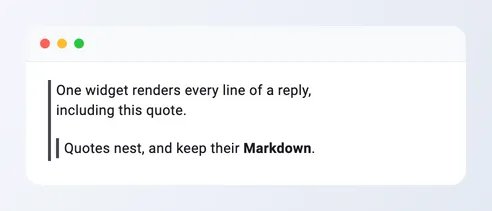 BlockquoteQuotes, nested
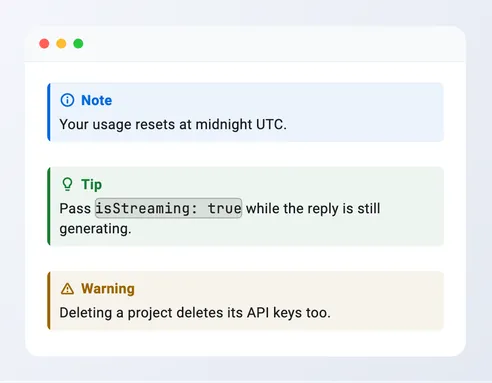 AlertNote, tip, important, warning, caution
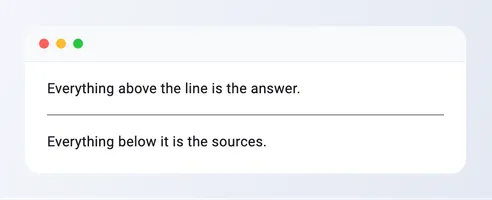 Horizontal ruleA line across the reply
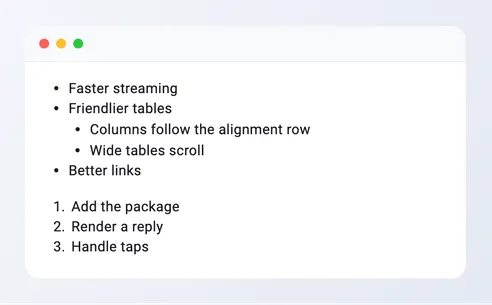
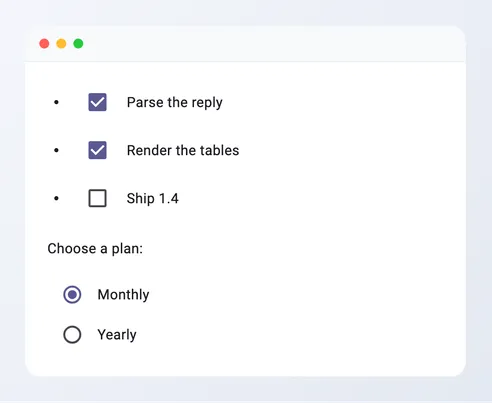
Code, math and data
Section titled “Code, math and data”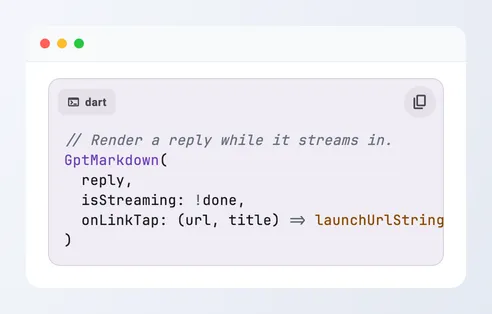 Code blockHighlighting and a copy button
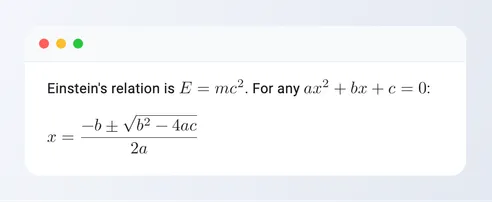 MathInline and block LaTeX
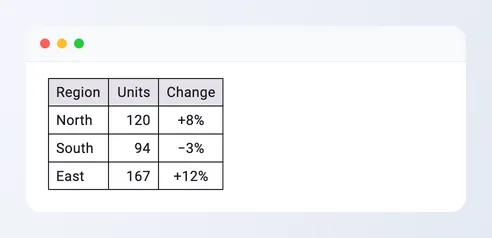 TableAligned columns, scrolling when wide
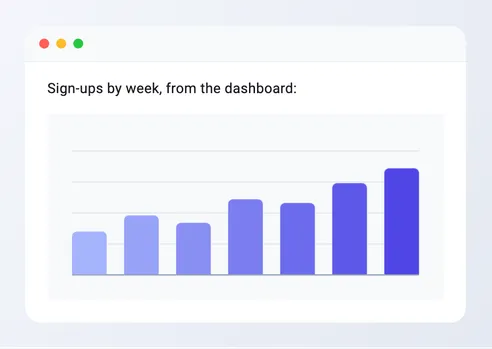 ImagePNG, JPEG, GIF, WebP, SVG and data: URLs
Every preview is one GptMarkdown widget with the package’s default styles,
rendered by its screenshot generator from the example shown on the page
(tool/screenshots/components/), so the two always agree.